Profile
Fatih
Profile

Fatih

Contact
  • fatihaljabar@gmail.com
  • fatihaljabar.com
Languages
🇬🇧 English
🇮🇩 Indonesia
Home
About
Achievements
Projects
Contact
Back

Portfolio Website

This portfolio itself: a bilingual Next.js site with its own admin dashboard, built to manage projects, achievements, and messages without ever touching code or redeploying.

Tech Stack :
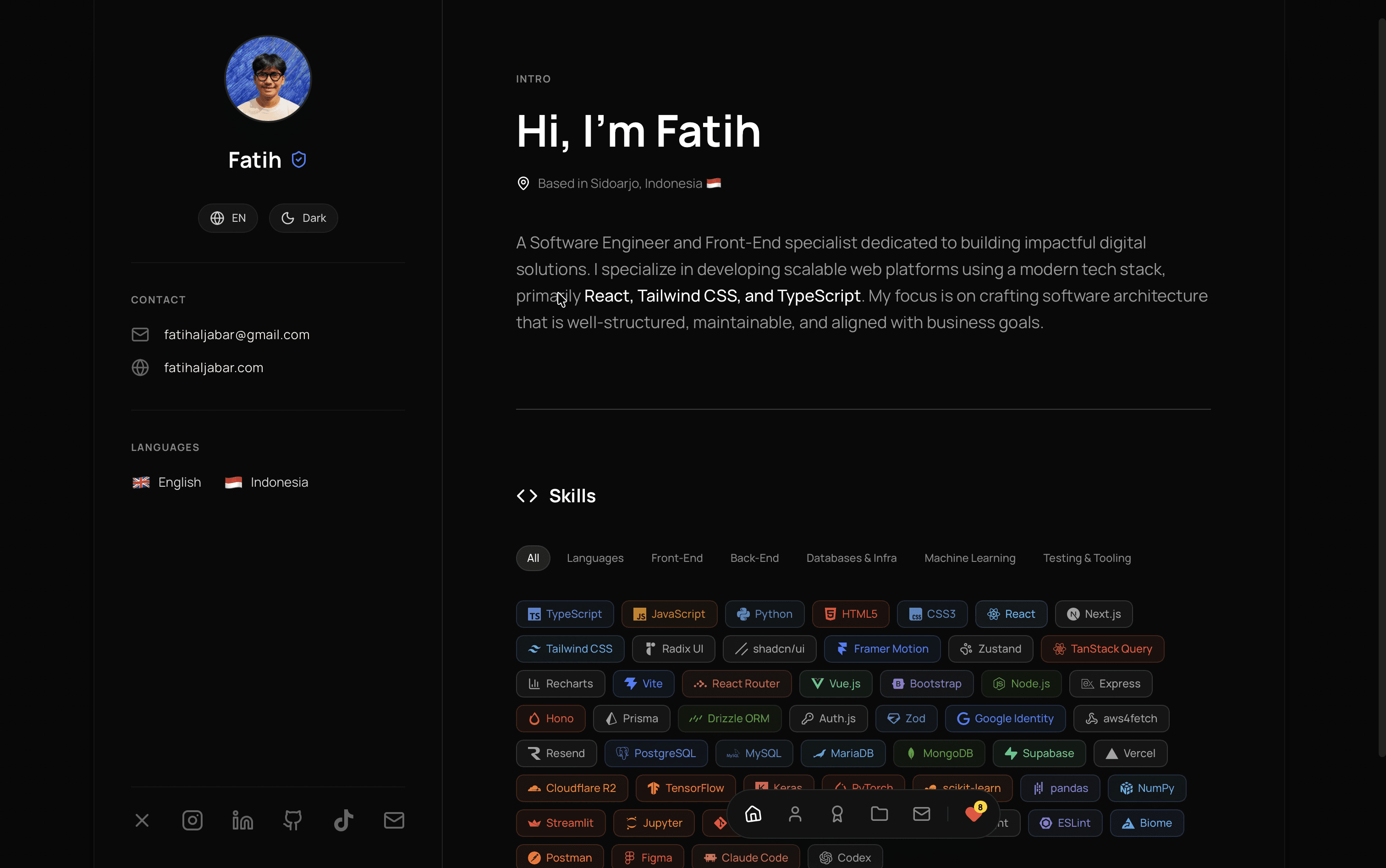
GitHub Live Demo
Portfolio Website

Timeline: 2026, live since August 25, 2026

Overview

This portfolio is not a static resume with a coat of paint. It is a bilingual (EN/ID) personal site backed by its own admin dashboard: every project, achievement, career entry, education entry, and skill on display here lives in Postgres and is edited through that dashboard, never hardcoded in the source.

Live in production at fatihaljabar.com. The contact form, image uploads, session-based admin auth, and rate limiting are shipped and handling real traffic, not staged for a demo.

The Problem It Solves

A static CV goes stale the moment the resume behind it changes. Editing it means touching code and redeploying, which in practice means it doesn't get edited. This site was built to stay current without a single line of code touched after launch, and to prove, by existing, the same full-stack skills a static CV can only claim: auth, CRUD, file storage, validation, internationalization.

Admin Dashboard

Everything visible on the public site (Projects, Achievements, career history, education, skills) has full CRUD behind /admin, plus a Messages inbox for the contact form. Adding a project takes a form submission, not a deploy.

Every write is guarded twice, not once. src/proxy.ts redirects an unauthenticated visitor away from /admin/*, which handles the experience, not the security: a Server Action can be called directly, bypassing page navigation entirely. So every admin Server Action re-checks the Supabase Auth session itself, on the first line, before it touches anything.

Image uploads run through a Server Action using a Supabase Storage service-role client, never the browser-facing anon key, so the credential that can write to storage never reaches the client. Files are restricted to JPEG or PNG, capped in size, and renamed to a generated filename so nothing collides or carries an unsafe name. The same editor can also embed images inline inside a project's markdown body, which is how the screenshots inside this project's sibling write-ups get there.
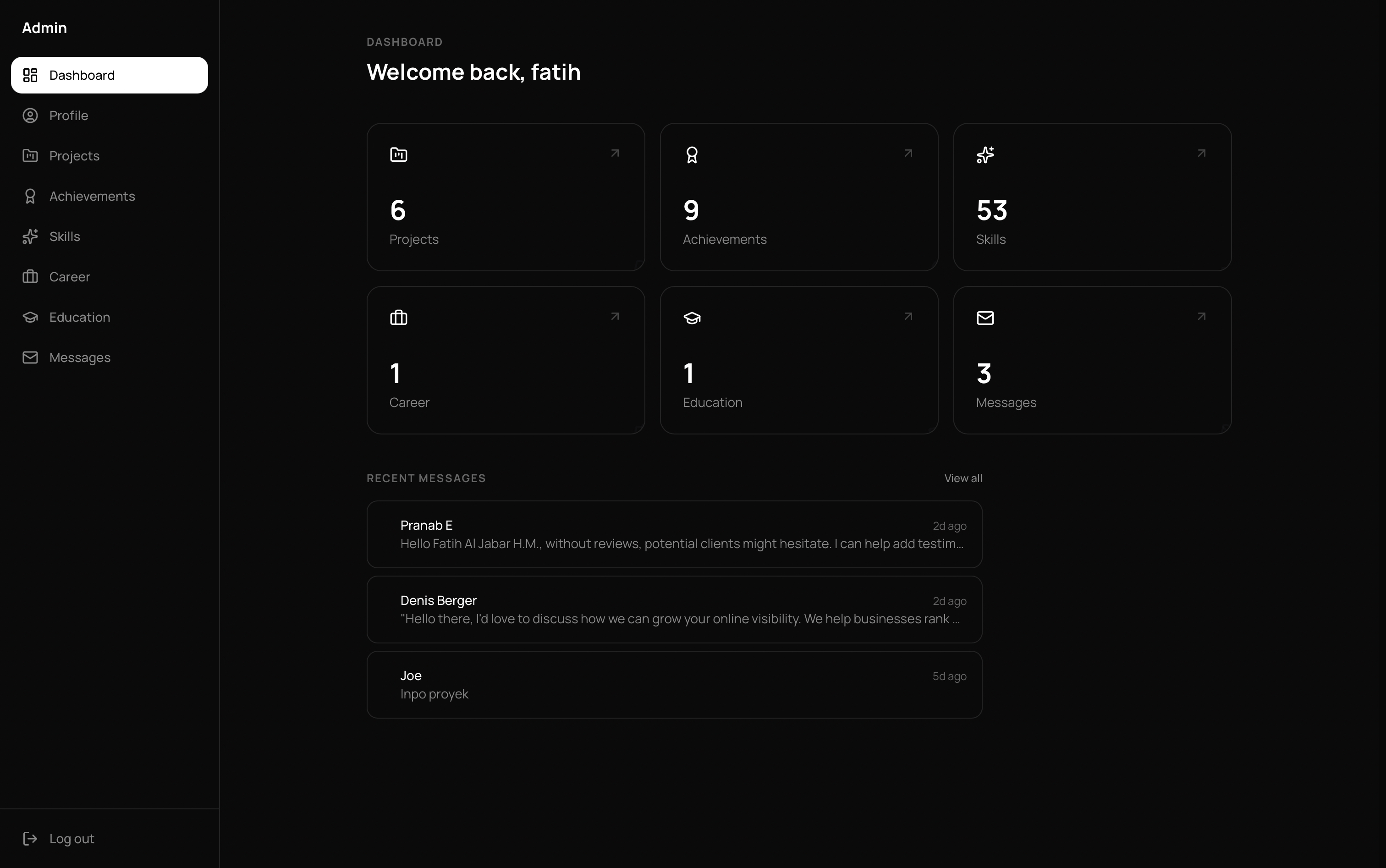
Admin dashboard: CRUD for projects, achievements, and messages

Internationalization and Theming

Every route is locale-prefixed (/en/..., /id/...) through next-intl, with full translation-key parity between English and Indonesian kept by convention rather than tooling. Switching language is a client-side transition, not a reload, and it deliberately keeps your scroll position: a bug fixed after tracing why the page seemed to jump on locale switch. Next.js resets scroll to top on every navigation by default; the fix was one option, scroll: false.

Theme, dark by default with light available, is handled by next-themes with no system-preference fallback. That means no flash of the wrong theme on first paint and no dependency on a visitor's OS setting.

Performance, SEO, and Loading States

Every route and every image carries a skeleton loading state: a loading.tsx per route, plus an ImageWithSkeleton wrapper around next/image, replacing what used to be spinners. That wrapper exists because of a real edge case: a cached image can finish loading before a React onLoad listener even attaches, so the component also checks .complete directly on mount as a fallback.

SEO is handled per page: unique metadata and OG images per route per locale, sitemap.xml, robots.txt, and hreflang tags linking the EN and ID versions of each page. This was measured, not assumed. A mobile Lighthouse audit scored 99 for Performance and 100 each for Accessibility, Best Practices, and SEO.

Production builds run through Webpack instead of Next.js 16's Turbopack default. An audit found Turbopack's production output was shipping roughly 18 KB of legacy browser polyfills to every visitor through a plain <script> tag. Webpack ships the same fallback behind <script nomodule>, so modern browsers, over 99% of traffic, skip it entirely.

Security and Rate Limiting

The contact form and the Love button are both rate-limited per IP with an in-memory sliding window, so neither can be flooded into spamming the database. Every input is validated with Zod on the client, for fast feedback, and on the server, the boundary that actually matters, since a client-only check can always be bypassed. Contact form messages render as plain text, never through dangerouslySetInnerHTML, so a message can't inject markup into the admin inbox.

Workflow

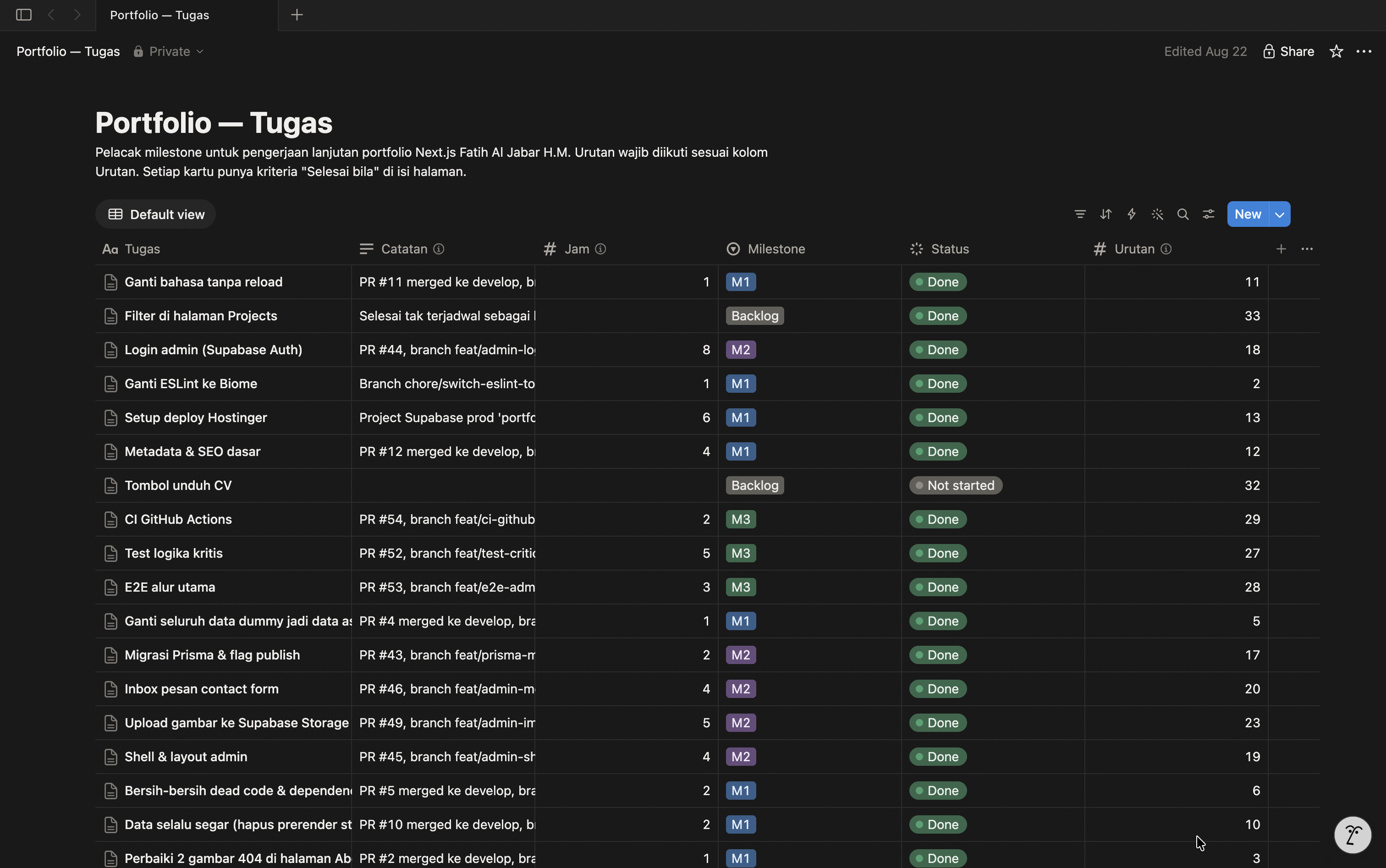
Work on this site is tracked in Notion, task by task, each carrying an explicit "done when" checklist before it gets marked complete. That discipline exists for a reason: this project stalled once before, built without any scope boundary at all.

The one time data had to move outside the running app itself, migrating real project and certificate data from a development Supabase project into the production one, ran entirely from the command line: pg_dump piped into psql for the database rows, rclone for the storage files, both installed locally through Homebrew. That migration never touched the deployed app; it was a one-off operation, not a dependency of the site.

Workflow Notion

Tech Stack

LayerChoice
FrontendNext.js 16 (App Router), React 19, TypeScript (strict)
StylingTailwind CSS, shadcn/ui (new-york style), Framer Motion
BackendNext.js Server Actions, no separate REST API layer
DatabasePostgreSQL via Supabase, Prisma ORM
AuthSupabase Auth, session checked inside every admin Server Action
StorageSupabase Storage, service-role uploads, JPEG/PNG only
ValidationZod, enforced on both client and server
CIGitHub Actions, typecheck + lint + test on every pull request
i18n & themenext-intl (EN/ID), next-themes (dark default)
Lint & formatBiome
HostingHostinger, auto-deploy from main

Architecture Decisions Worth Noting

  • No separate API layer. Reads go through Server Components straight to Prisma; writes go through Server Actions. A REST layer would only add a layer with no consumer outside this app.
  • Two databases, not one. Development and production run on separate Supabase projects, so a leaked dev credential, or an accidental local seed reset, can never touch real visitor data.
  • Fresh data without a full rebuild. Pages driven by the database use time-based revalidation, and every admin write calls revalidatePath() for the routes it affects, so a change made in the dashboard is visible on the public site by the next request, not the next deploy.

Links

  • Live site: fatihaljabar.com
  • Source: github.com/fatihaljabar/portfolio